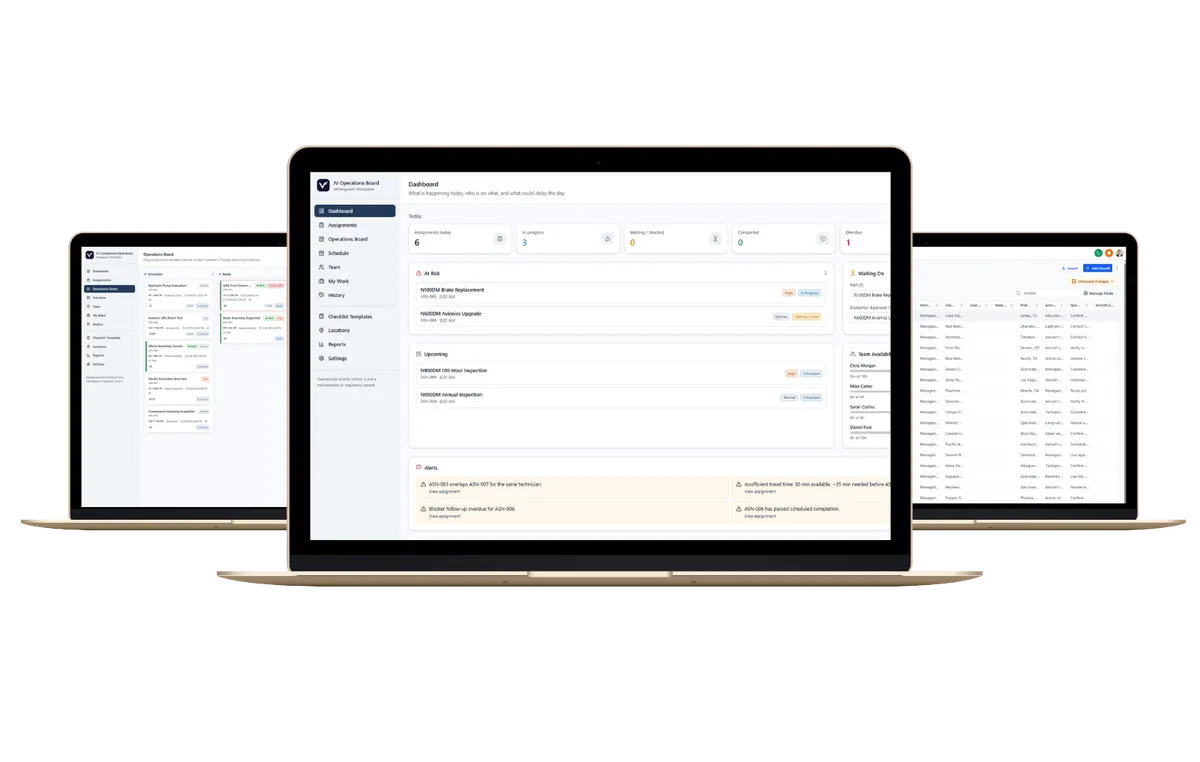
Parts Manager: Manage Your Inventory and Marketplace Presence in One Place
JetVanguard Insights, Parts Management
Parts Manager: Manage Your Inventory and Marketplace Presence in One Place
JetVanguard Parts Manager gives aircraft parts sellers one place to manage the inventory they make available through the JetVanguard Parts Marketplace.
Instead of maintaining a spreadsheet and separately managing Marketplace listings, sellers can upload existing inventory, review and improve listing information, manage availability and lifecycle status, and maintain the company profile buyers see in the Marketplace.
Bring Existing Inventory Into Parts Manager
Existing aircraft parts inventory can be uploaded from a spreadsheet, so sellers do not need to recreate their inventory one listing at a time. Individual parts can also be added manually when needed.
Once inventory is imported, Parts Manager becomes the working environment for reviewing and maintaining those records. Sellers can search and filter inventory, identify records that need attention, make updates, and continue improving their data as inventory changes.
This allows an existing inventory file to become structured Marketplace inventory without requiring sellers to abandon the data they already maintain.
Review and Enrich the Information Buyers See
Parts Manager allows sellers to manage the information buyers use when evaluating an aircraft part.
Depending on the inventory record, this can include:
Part number and description
Manufacturer
Condition
Quantity
Price, RFQ, or other pricing status
Stock location
Aircraft compatibility
Trace information
Availability and Marketplace status
Inventory that needs additional attention can be identified through Parts Manager so sellers can review incomplete or questionable information before relying on it as Marketplace data.
The goal is simple: give sellers control over their inventory data while giving buyers clearer, more useful information when sourcing parts.
Status | Marketplace Behavior |
|---|---|
Available | Listed to buyers as active inventory |
Pending | Visibility aligned with in progress activity |
Sold | Not presented as currently available |
Archived | Removed from active Marketplace inventory but retained in Parts Manager history |
Archived parts are removed from active Marketplace inventory but remain in Parts Manager history. Sellers can also permanently remove a part from their active Parts Manager inventory using Delete Part when the record should no longer be retained as working inventory.
Keep Inventory Availability Current
Parts Manager also allows sellers to confirm that a part is still available and records when inventory information was last updated.
That gives sellers a straightforward way to review inventory over time rather than treating the original spreadsheet upload as permanent information.
Availability confirmation is currently seller-managed. Parts Manager does not automatically expire inventory or send automated stale-inventory reminders at this time.
Manage Your Marketplace Vendor Profile
Inventory is only part of what a buyer evaluates. Buyers also want to know who they are sourcing from.
Parts sellers can maintain their Marketplace Profile directly from Parts Manager instead of contacting JetVanguard for routine profile updates.
Sellers can manage information including:
Company logo and company name
Company description
Primary location
Year established
Public sales phone and email
Website
Capabilities and services
Types of inventory offered
Certifications
AOG support
Shipping regions
Common capabilities, certifications, and shipping options are selectable, making the profile easy to maintain while keeping information more consistent across the Marketplace.
Buyers can open a vendor's profile to review this company information and see the seller's available inventory in one place. They can then search that vendor's inventory, open individual parts, or contact the vendor directly.
This gives buyers context about both the part and the company offering it before they send an RFQ or begin a conversation.
Parts Manager and JV Workspace Serve Different Purposes
Parts Manager and the JetVanguard Parts Marketplace do not require a seller to use JV Workspace.
Parts Manager is focused specifically on inventory and Marketplace management: maintaining inventory records, improving listing information, controlling availability, and managing the vendor profile buyers see.
JV Workspace is an optional operational layer for companies that want to manage more of the activity surrounding those transactions, including communications, contacts, documents, payments, sales activity, tasks, and other business workflows.
A seller can therefore use Parts Manager and participate in the Marketplace without adopting the broader Workspace environment.
One Place to Manage Your Marketplace Inventory
JetVanguard Parts Manager creates a direct connection between the inventory a seller manages and the information buyers see while sourcing.
Upload existing inventory. Review and improve the data. Keep availability current. Control which parts remain active. Maintain your vendor profile. And give buyers a clearer view of both your inventory and your company.
The result is less duplicate administration and a more manageable way to maintain an aircraft parts Marketplace presence as inventory changes.
Get Started with JetVanguard Parts Manager
Aircraft parts sellers can use JetVanguard Parts Manager to manage inventory and maintain their presence in the JetVanguard Parts Marketplace from one environment.
Buyers can create a free sourcing account to search available aircraft parts, review vendor profiles, save vendors, send messages, and submit RFQs through the Marketplace.
